

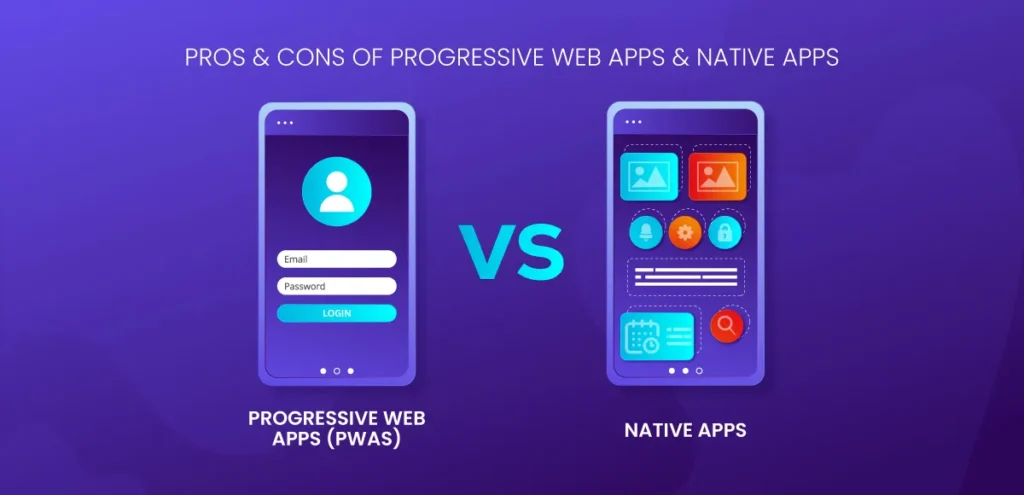
To understand why PWAs exist, we need to go back to the tug-of-war between mobile web and native apps. Back in the days, Native apps could send push notifications, work offline, sit pretty on your home screen, and make full use of device hardware. They required users to download them, which a lot of people were not eager to install.
Whereas, mobile websites were easy to access but lacked those advanced features. This gap between reach and functionality led to the rise of Progressive Web Apps. PWAs are designed to blend accessibility of the web with the power of native apps; are built using modern web APIs to act more like apps, without forcing user to go through an app store.
What are Progressive Web Apps (PWAs)
Progressive Web Apps are websites that feel and function like mobile apps. You can open them in a browser, but they let you do things like work offline, receive push notifications, and even add them to your home screen.
They’re built using web technologies (like HTML, CSS, and JavaScript) but offer an app-like experience. Moreover, they’re great for businesses that want wide reach without the cost and complexity of building full native apps.
Pros of Progressive Web Apps (PWAs)
Portable And light
PWAs are incredibly light and big on experience. Where a typical native app might eat up 10MB or more, a PWA might only take up 500KB. This makes a huge difference in markets where bandwidth is expensive or slow.
Always Updated
Just like websites, PWAs update automatically. They don’t come along with annoying update prompts. You get the latest version each time you open it. There’s no need to manually check for updates or wait for downloads. It happens quietly in the background, so your experience is always remain fresh.
Try Before You Commit
You don’t need to install a PWA to use it. It opens in your browser just like any other website. If you like how it works, you can add it to your home screen with one tap. It behaves like a regular web page, and if users like it, they can “install” it to their home screen.
Easy to Share
Sharing a PWA is as easy as copying and pasting a link. You don’t need to guide someone through the app store or tell them to scan a QR code. Just send the URL, and they can open it instantly on any device, in any modern browser.
Cons of Progressive Web Apps (PWAs)
Struggles on Social Media Browsers
Some platforms, like Facebook and Instagram, use their own in-app browsers, which can make it tricky to deliver the full PWA experience.
You’re Not on the App Stores
While a native app gets the visibility boost of being in the Play Store or App Store, PWAs don’t show up there. If people are searching for you directly through those platforms, you might miss out on that traffic.
Third-Party Logins Can Be Clunky
Using Facebook or Google to log into a PWA isn’t as smooth as it is with native apps. In many cases, users will have to re-enter their credentials in a browser window.
Limited Hardware Access
PWAs run in browsers, so they don’t always have access to hardware features like fingerprint scanners, Bluetooth, or NFC. Native apps still lead in that department.
Engagement Tools Aren’t Universal
Features like “Add to Home Screen” or push notifications are still mostly supported on Android, but not consistently available across all browsers—especially on iOS.
Browser Support Varies
Not all phone manufacturers’ default browsers support PWAs fully. That means your PWA might work differently (or not at all) depending on the device or browser being used.
Pros of Native Apps
1. Full Access to Device Features
Native apps use hardware features like the camera, GPS, fingerprint scanner, and sensors. This allows for richer, faster, and more reliable user experiences, especially for apps needing location tracking, payments, or biometric security.
2. High Performance and Speed
Since native apps are built using platform-specific languages (like Swift for iOS or Kotlin for Android), they run smoothly and efficiently. This makes them ideal for gaming, video editing, or any task that requires high processing power.
3. Better User Experience
Native apps follow platform-specific UI/UX guidelines, so they feel more natural to users. Transitions, animations, and interactions are optimized for the operating system, leading to higher engagement and satisfaction.
4. Offline Functionality
Unlike web-based solutions, native apps can store data locally and work without an internet connection. This makes it critical for productivity tools, maps, or content-on-the-go.
5. Push Notifications
Native apps support push notifications by default, which helps with user re-engagement and retention. These timely updates can keep users connected and informed without opening the app.
What are Native Apps
Native apps are built specifically for a platform like iOS or Android and downloaded through app stores. They’re powerful, fast, and fully integrated with your device’s features like GPS, camera, and fingerprint scanner.
However, they require more time and money to build, need regular updates, and take up storage space on your phone. Now because they’re designed for the device they run on and offer a way better responsive experience.
Cons of Native Apps
1. Higher Development Cost
To reach both iOS and Android users, you need to build and maintain separate codebases. This requires more time, effort, and budget.
2. Slower Time to Market
Building a native app from scratch takes longer due to platform-specific development and testing cycles. You also have to go through app store approval, which can delay launches.
3. Requires Installation
Users need to download the app before using it, this can be a hurdle especially for casual users or those with limited device storage. This is also the reason why many potential users drop off before installation.
4. Regular Updates Needed
Any change that is to be made requires pushing an app update, and users must install it manually. This also leads to inconsistent experiences.
5. App Store Limitations
App distribution is controlled by platforms like Google Play and Apple App Store. You have to comply with their rules, face review delays, and even risk removal if policies change.
So… Which One Should You Choose?
In the end, it all comes down to your goals. Because the best app isn’t the one with the most features. It’s the one your users practically use.
- If your priority is reach, fast access, low data usage, and skipping the friction of app stores, PWAs are a great option especially for content-driven platforms, startups, or businesses in emerging markets.
- If you need deep hardware integration, maximum performance, or high-end user experiences, native apps are still the gold standard. They’re ideal for gaming, fintech, or apps that rely on intricate features.
Hope this makes your decision between the two easy.